Its feature set is designed to support both day-to-day protection and ongoing security management. For example, the browser-based graphical interface allows administrators to manage the firewall through an intuitive dashboard, where they can configure policies such as redirect rules, SSL settings, and geo-blocking controls. Haltdos WAF also helps defend against the OWASP Top 10 by using thousands of built-in signatures as well as custom rules that can be tailored to specific application needs.
To help maintain service availability, the platform includes DDoS mitigation features such as configurable rate limiting and human-verification challenges. These controls are useful for reducing the impact of malicious traffic while allowing legitimate users to continue accessing the application. In addition, the logging and monitoring capabilities provide visibility into attack activity, support whitelisting, and can integrate with SIEM tools for broader security analysis.
Another important capability is its daily threat intelligence updates, which help the firewall stay current with emerging attack patterns. In practice, Haltdos WAF is especially useful for small and medium-sized websites that need protection against web attacks, bots, and denial-of-service attempts without investing in a large or complex security solution.
Log in to portal.antyxsoft.io and during the instance creation at the Select Template section click on the Market Place App tab.
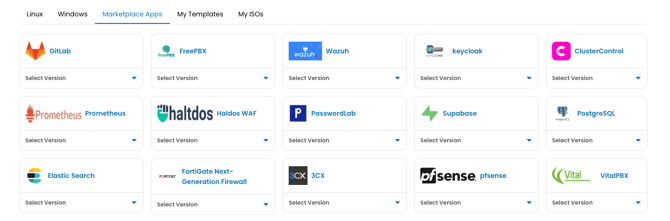
Select the ready-to-go Haltdos WAF template from the list of available templates and deploy it.
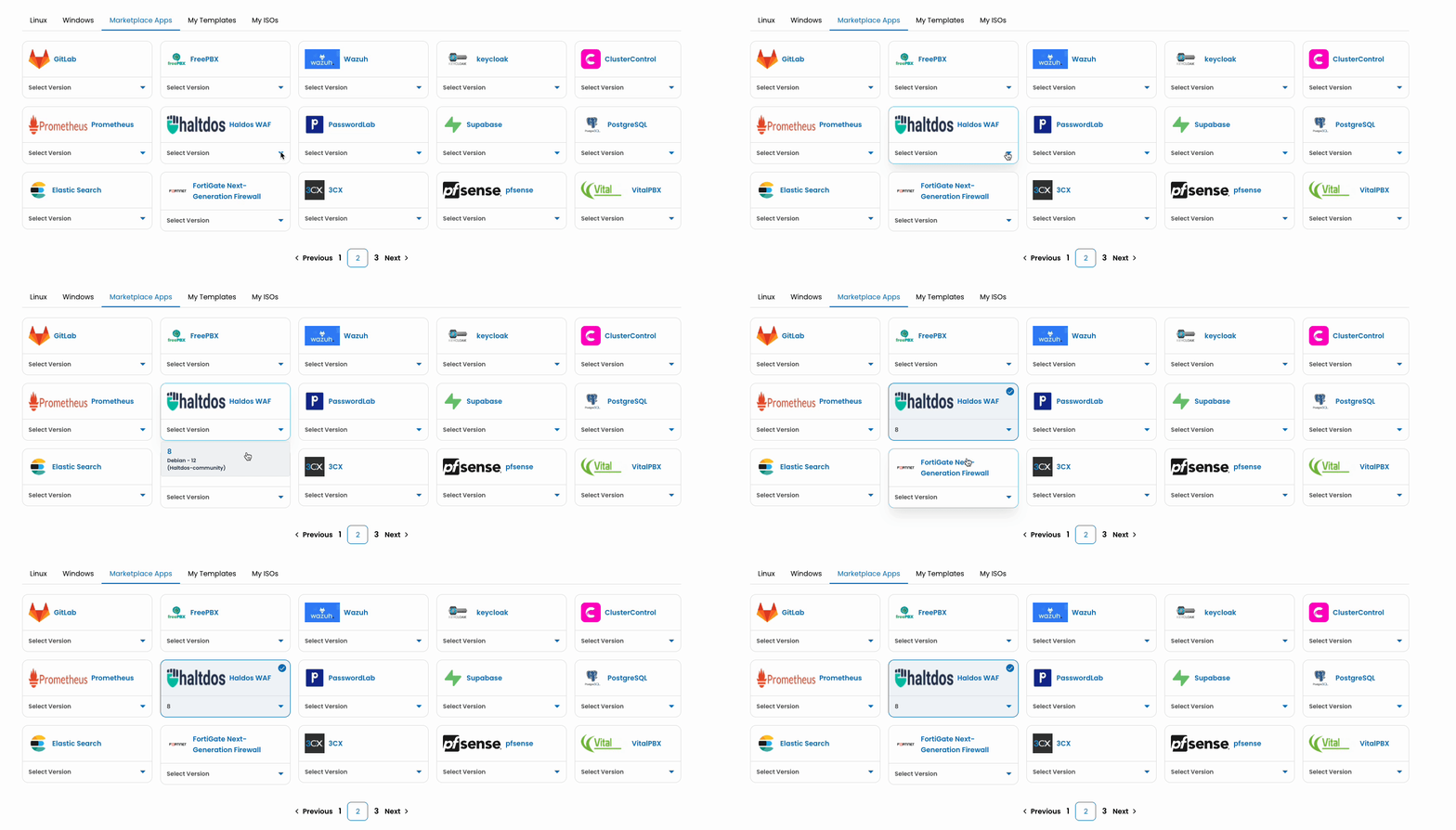
Once you select your plan and named the VM. Click on the Review & Deploy button to deploy your new app.
After the template is deployed, you will be able to access Haltdos WAF from the console via ssh or using the web console. The administration GUI is available at https://SERVER_IP_ADDRESS:9000.
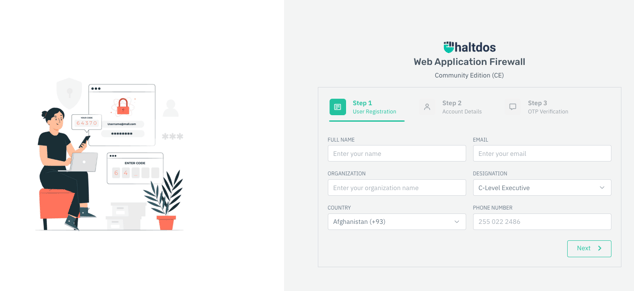
Refer to the official Haltdos documentation for additional configuration details.