What is PasswordLab
PasswordLab is a self-hosted, enterprise password manager designed to be installed on your own servers, giving you full control over sensitive data without relying on third-party providers.
Key features of PasswordLab include:
- Strong Encryption – AES-256 encryption at rest and in transit.
- Two-Factor Authentication – 2FA enabled by default.
- Multiple Interfaces – Web application, browser extension and mobile app.
- Full Data Ownership – Host data internally to meet compliance and data-residency requirements.
Common use cases include teams of any size that need internally hosted credentials for regulatory compliance, and companies transitioning to remote work that require secure password sharing.
Getting started with PasswordLab Deployment
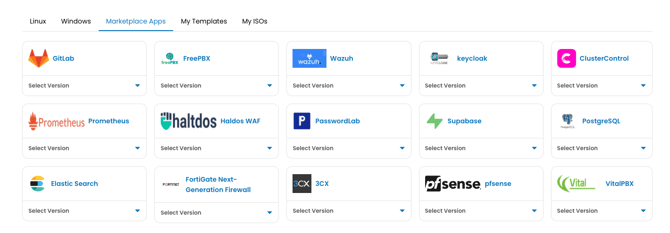
Log in to portal.antyxsoft.io and during the instance creation at the Select Template section click on the Market Place App tab.
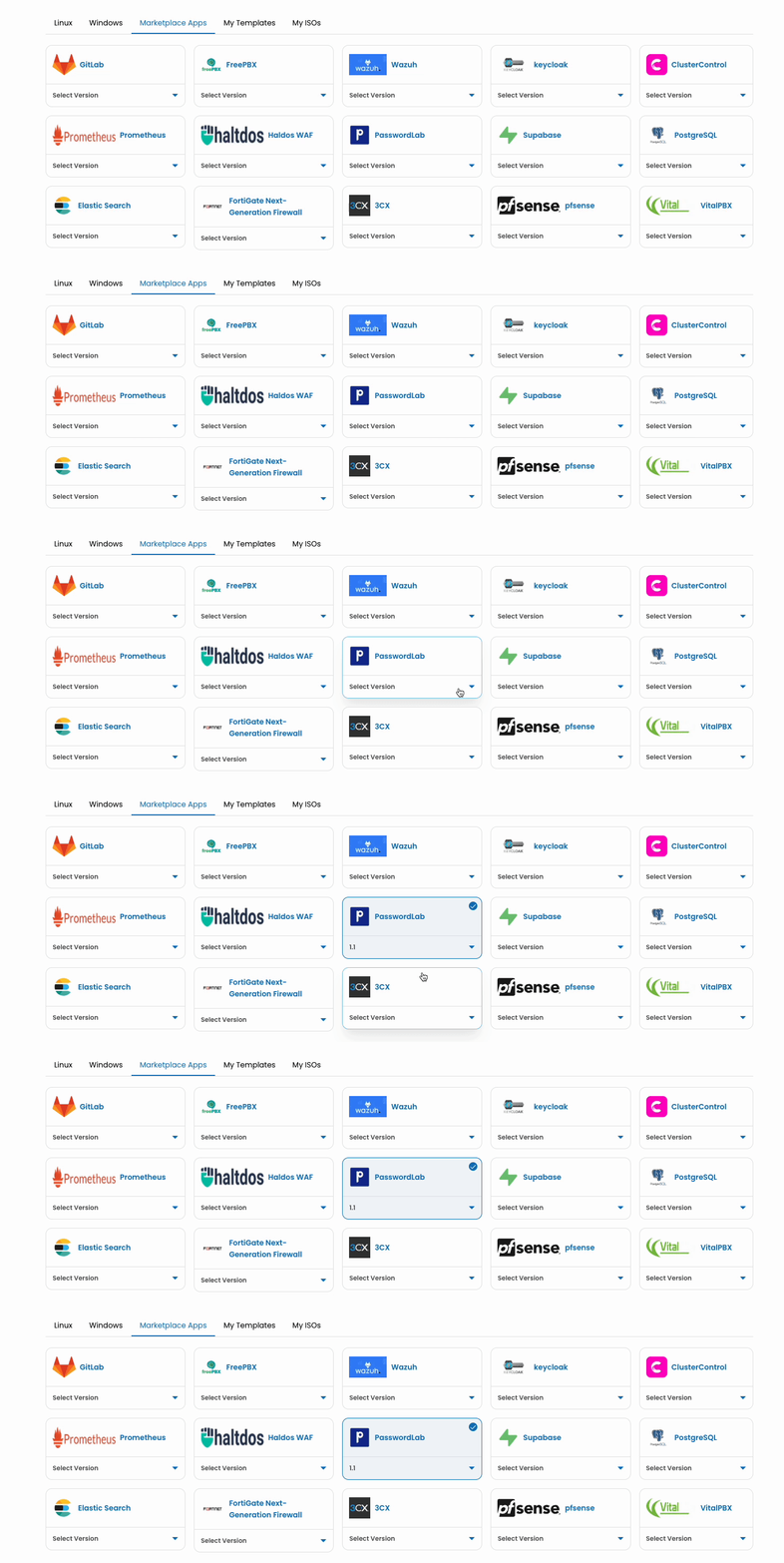
Once you select your plan and named the VM. Click on the Review & Deploy button to deploy your new app.
Getting Started after Deployment
After the template is deployed, you will be able to access PasswordLab from the console via ssh or using the web console.
PasswordLab is managed through its web application at https://SERVER_IP_ADDRESS:3000.
Refer to the official PasswordLab documentation for additional configuration details.