What is Wireguard
WireGuard is a modern open-source VPN solution that provides fast, secure, and lightweight encrypted networking. It uses state-of-the-art cryptography and a simplified configuration model to enable secure remote access, site-to-site connectivity, and private communication between systems across cloud, on-premises, and hybrid environments.
Key features of Wireguard include:
Modern VPN Protocol: WireGuard is a modern, open-source VPN solution designed to provide secure and high-performance encrypted network tunnels with a simplified architecture and minimal configuration requirements.
Strong Cryptography: Uses state-of-the-art cryptographic algorithms, including ChaCha20 for encryption, Poly1305 for authentication, Curve25519 for key exchange, and BLAKE2s for hashing, ensuring strong security with modern standards.
High Performance: Designed for speed and efficiency, WireGuard operates with a lightweight codebase and low overhead, often delivering better performance and lower latency than traditional VPN protocols such as IPsec and OpenVPN.
Simple Configuration: Configuration is straightforward and consists of defining peers, public/private keys, and allowed IP ranges, making deployment and management significantly easier than many alternative VPN solutions.
Secure Peer-to-Peer Connectivity: Establishes encrypted tunnels directly between peers, allowing secure site-to-site VPNs, remote access VPNs, and hybrid cloud connectivity scenarios.
Roaming Support:
Automatically handles IP address changes and network transitions, making it ideal for mobile devices that frequently switch between Wi-Fi and cellular networks.
Low Resource Consumption:
Its compact codebase and efficient design result in lower CPU and memory usage compared to many traditional VPN technologies.
Easy Firewall Integration:
Operates over a single UDP port, simplifying firewall and NAT traversal configurations while reducing networking complexity.
Cloud and Infrastructure Integration:
Widely used for secure communication between cloud workloads, data centers, branch offices, and remote users, integrating easily with modern infrastructure and automation platforms.
Getting started with Wireguard Deployment
Log in to portal.antyxsoft.io and during the instance creation at the Select Template section click on the MarketPlace App tab.
Select the ready-to-go Wireguard template from the list of available templates and deploy it.
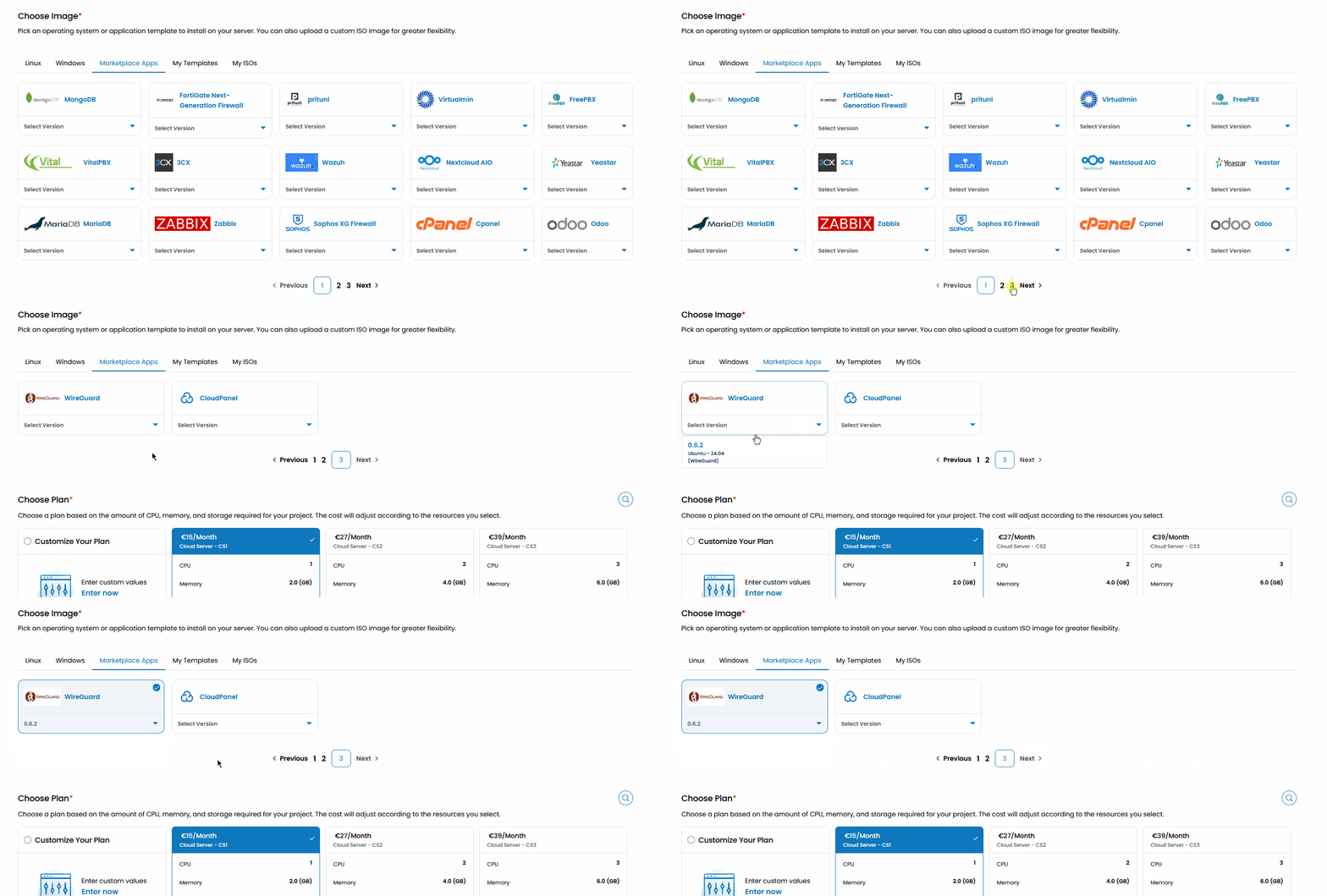
Once you select your plan resources and named the VM. Click on the Review & Deploy button to deploy your new app.
Getting Started after Deployment
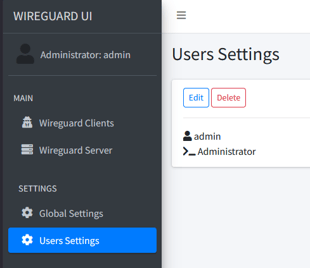
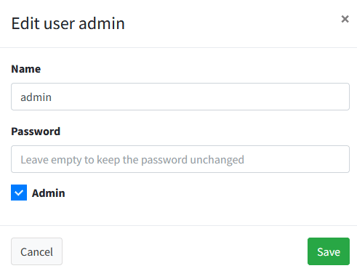
/etc/wireguard/wg0.conf for further modification.